OrbitALL
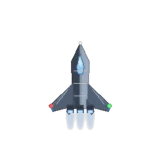
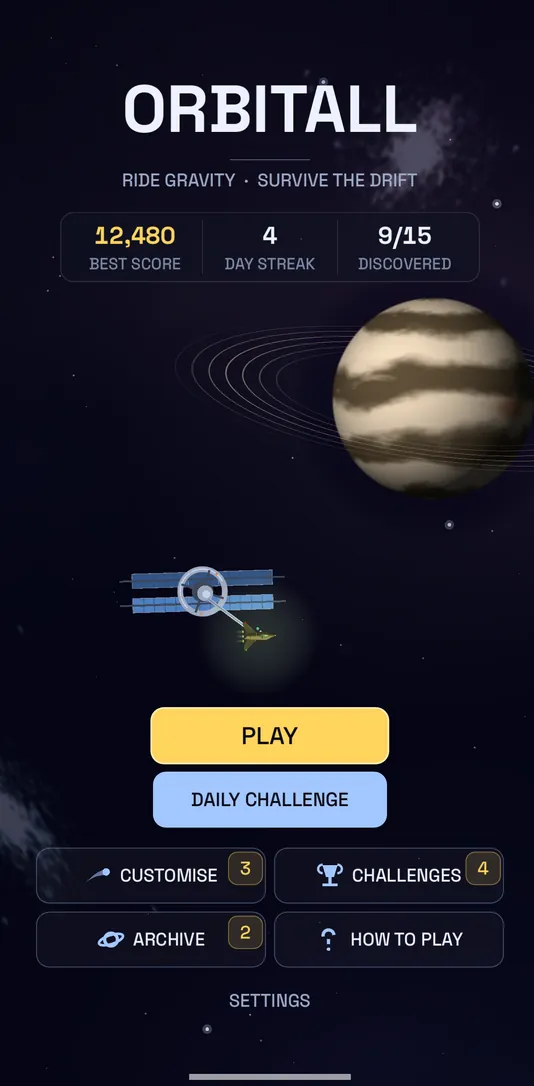
Ride gravity. Survive the drift. A one-touch space-flight game. Hold to rise, release to fall, and let gravity do the rest.
Thread the planets. Ride the slingshot.
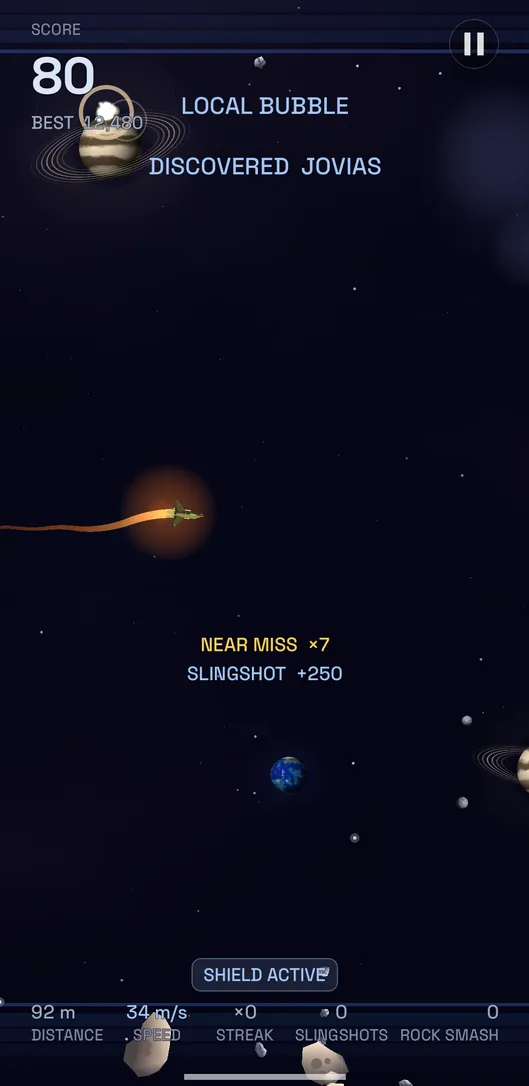
Thread between planets, whip around them for a slingshot boost and see how far you can drift. Every run is quick, every near miss counts, and there's always one more go.
- One-touch control. Learn it in seconds, master it over hundreds of runs.
- A new Daily course. Everyone flies the same route each day. Climb the Google Play Games and Game Center leaderboards.
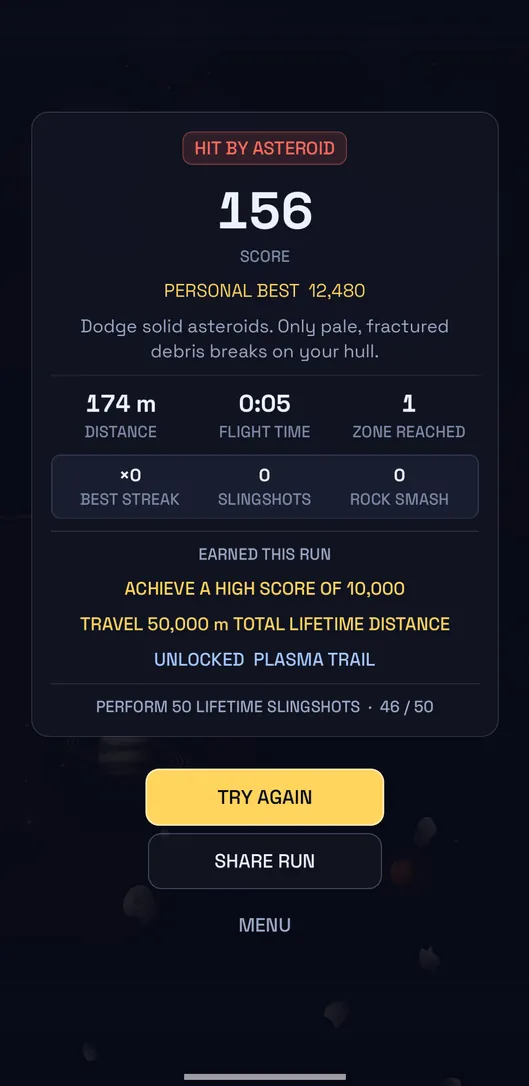
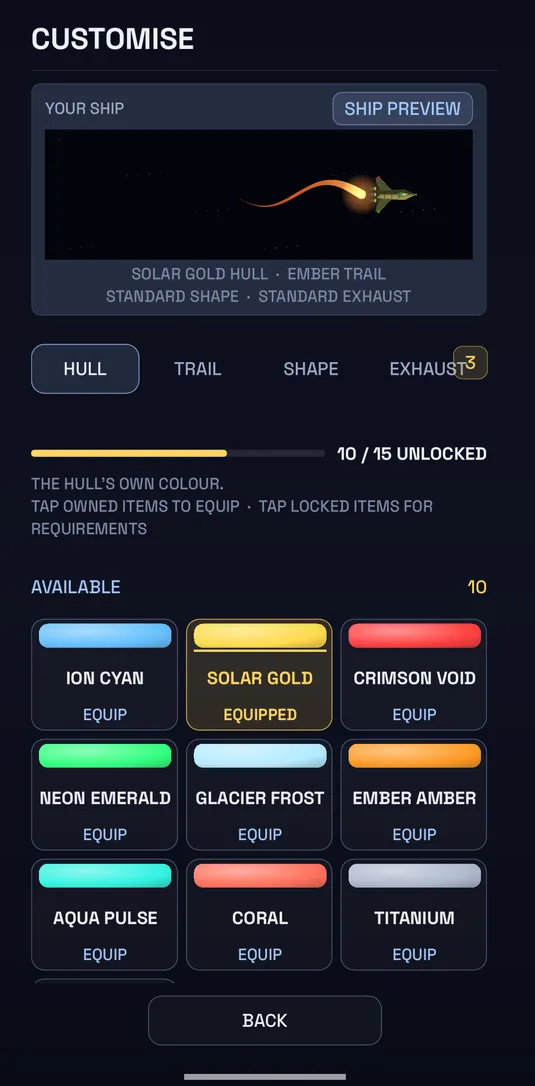
- Make the ship yours. Unlock hulls, trails, shapes and exhausts through challenges.
- Explore the drift. Discover planets and zones, and collect shields to survive asteroid fields.
- Free to play. No account needed and no ads during a run. A one-off Remove Ads purchase turns off the ads between runs.
OrbitALL questions
Where is my progress saved?
Scores, unlocks and settings are saved on your device. Removing the app or its data can erase them.
Do I need an account?
No. Signing in to Google Play Games or Apple Game Center is optional and only puts your Daily score on the leaderboard.
Are there ads?
OrbitALL is free and shows ads from Google AdMob: optional rewarded videos you choose to watch, and an occasional full-screen ad between runs. There are never ads during play. The Remove Ads purchase turns off the full-screen ads.
How do I restore a purchase?
Open Settings and tap Restore Purchases. Payments, refunds and purchase history are handled by Google Play or the App Store.
What information does OrbitALL use?
The OrbitALL privacy policy explains exactly what the game uses, how it depends on your age, and the choices you have in Settings.
Something else?
Email support@inspectorgamestudios.co.uk with your device model, OS version and the app version shown in Settings.